
If a video call freezes when somebody else in the house starts backing up photos, the speed to check is your upload. A November 11 report from Ookla gives Michigan households a new point of comparison. In the first half of 2026, Starlink’s Michigan Speedtest results showed median speeds of 117.2 Mbps down and 20.9 Mbps up. Median latency, a measure of how long the connection takes to respond, was 43 milliseconds.
What Michigan’s Starlink speed tests tell you
Nationally, Starlink’s median upload speed rose 42% from the first half of 2025 to the same period in 2026, from 14.63 to 20.73 Mbps. Uploads improved in every state and Washington, D.C. Download speeds rose nationally but declined in 16 states and D.C. The Michigan figures are statewide results from people who ran Speedtest. For a cabin near the lakeshore or a home outside town, they’re a benchmark to compare against your own tests.
At about 21 Mbps, a one-gigabyte file would take roughly six and a half minutes to upload if the connection held that speed throughout. At 5 Mbps it would take about 27 minutes. That’s why a better upload can matter to someone sending video or working from home, even when their current internet already streams TV fine.
Three checks before you switch
- Test at the time you usually have trouble. Use your regular device during a busy evening or just before a work call. Write down download, upload, and latency. If you can, repeat near the router or over Ethernet. A big improvement there is a reason to check your home Wi-Fi before paying for a different internet plan.
- Compare offers at the same address. Use the FCC’s broadband map guide to see which providers report serving your address. Confirm availability and price directly with the provider. On Starlink’s residential order page, enter the same address and look at the monthly charge, equipment costs, and the available tier. Where offered, the 100 and 200 Mbps plans use those numbers as download caps.
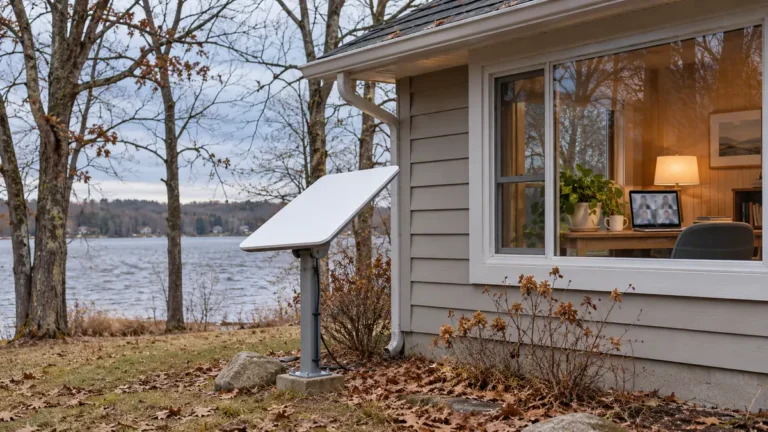
- Check the sky where the dish would go. Use the Starlink app’s obstruction check from a realistic mounting spot. A wooded lot can have a clear view from one side of the house and a blocked view from the other. If you try the service, repeat your usual video call or upload at the time you need it to work before canceling your current connection.
If the trouble is losing cell service on the drive to the cabin, start with our guide to T-Satellite and Starlink’s mobile plans. The Michigan numbers above are useful for comparing internet at a fixed location.
Sources checked November 12, 2026. Featured image is an illustration.